Can I print a student's grades?

Jan 27, 2026
 19194
19194
Yes, you can print a student's grades. Canvas allows you to print individual student grades. If you would like to print all grades, it is recommended that you export the grades to a CSV file and print them in a spreadsheet application such as Microsoft Excel or Google Sheets. Below are the instructions to print individual student grades.
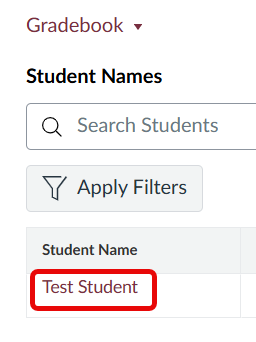
- In the Gradebook, click the name of the student whose grades you want to print. This will show a panel of their information on the right side of your screen.
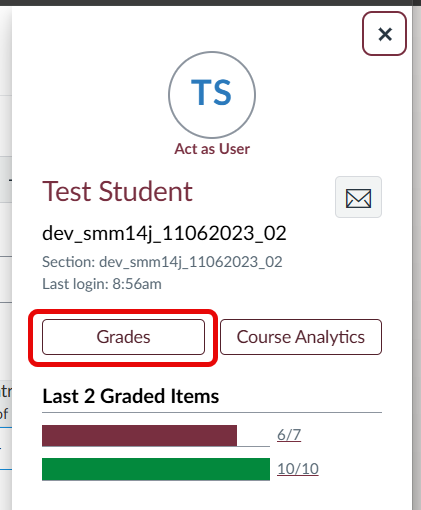
- In this panel, click on the Grades button.
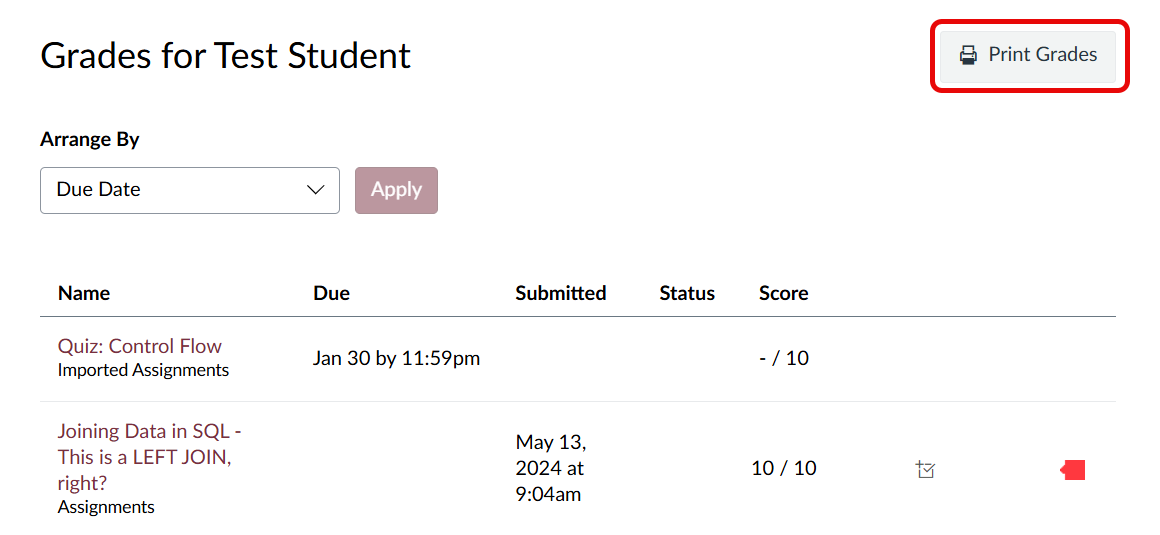
- Click the Print Grades button in the upper right of the individual student's grades page. Students also have the ability to print their grades.