Adding Custom Links in Canvas Course Navigation Bar

Last updated: Aug 04, 2026
484
views

Canvas added the ability to create custom links for the Course Navigation within your course site. These links can be items inside and outside of Canvas.
Adding Custom Links
- Open Settings.
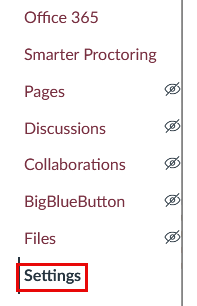
- Select the Navigation link at the top of the page.
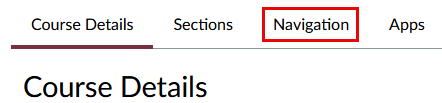
- Select Add a Link from the list of items.
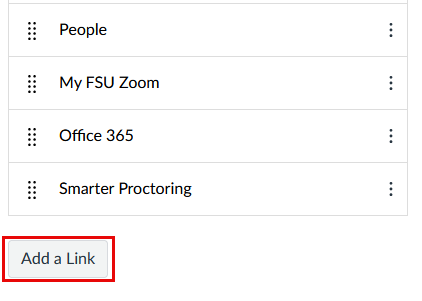
- Enter a name for the link under Text, and insert the link under the Link field.
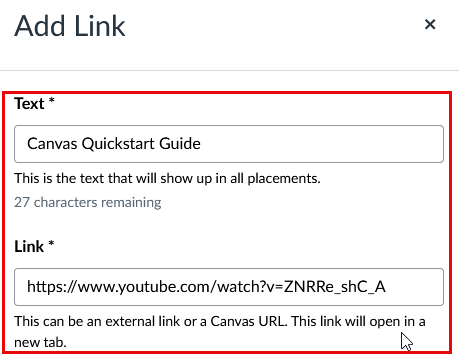
-
Select Add at the bottom of the window.
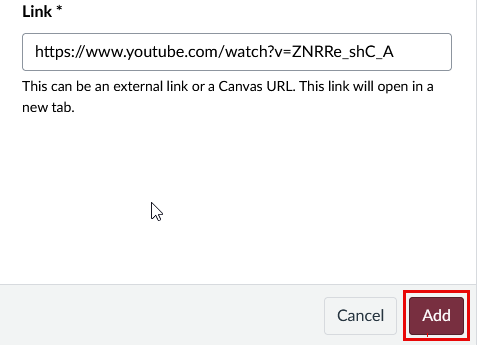
This will create a new link in the Course Navigation with the name that was entered.
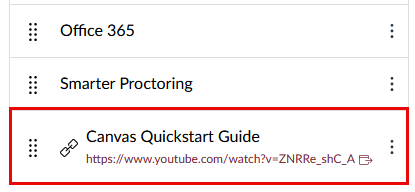
- Select Save to keep the addition. It will now appear in the Course Navigation.
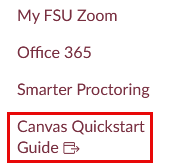
These links can be enabled or disabled, rearranged, and otherwise treated like all other Course Navigation options.
Further Resources
- Instructure guide on adding custom links to Course Navigation