


 2408
2408
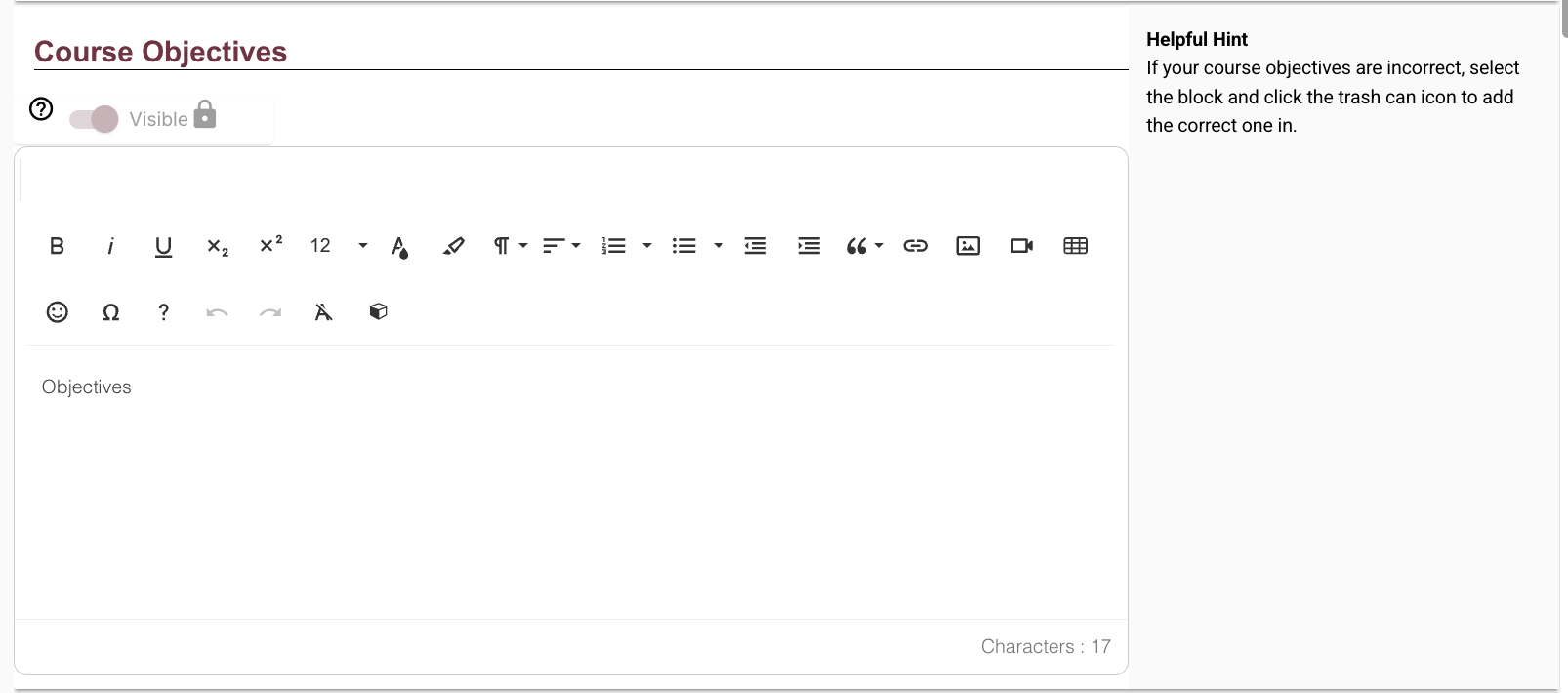
Note: In Simple Syllabus, if your course objectives say "Objectives" in the data field, that means the objectives did indeed populate, and you can verify this by selecting "Preview" at the bottom editing page.
Getting Started
1. Log in to Simple Syllabus web portal via the URL: www.fsu.simplesyllabus.com
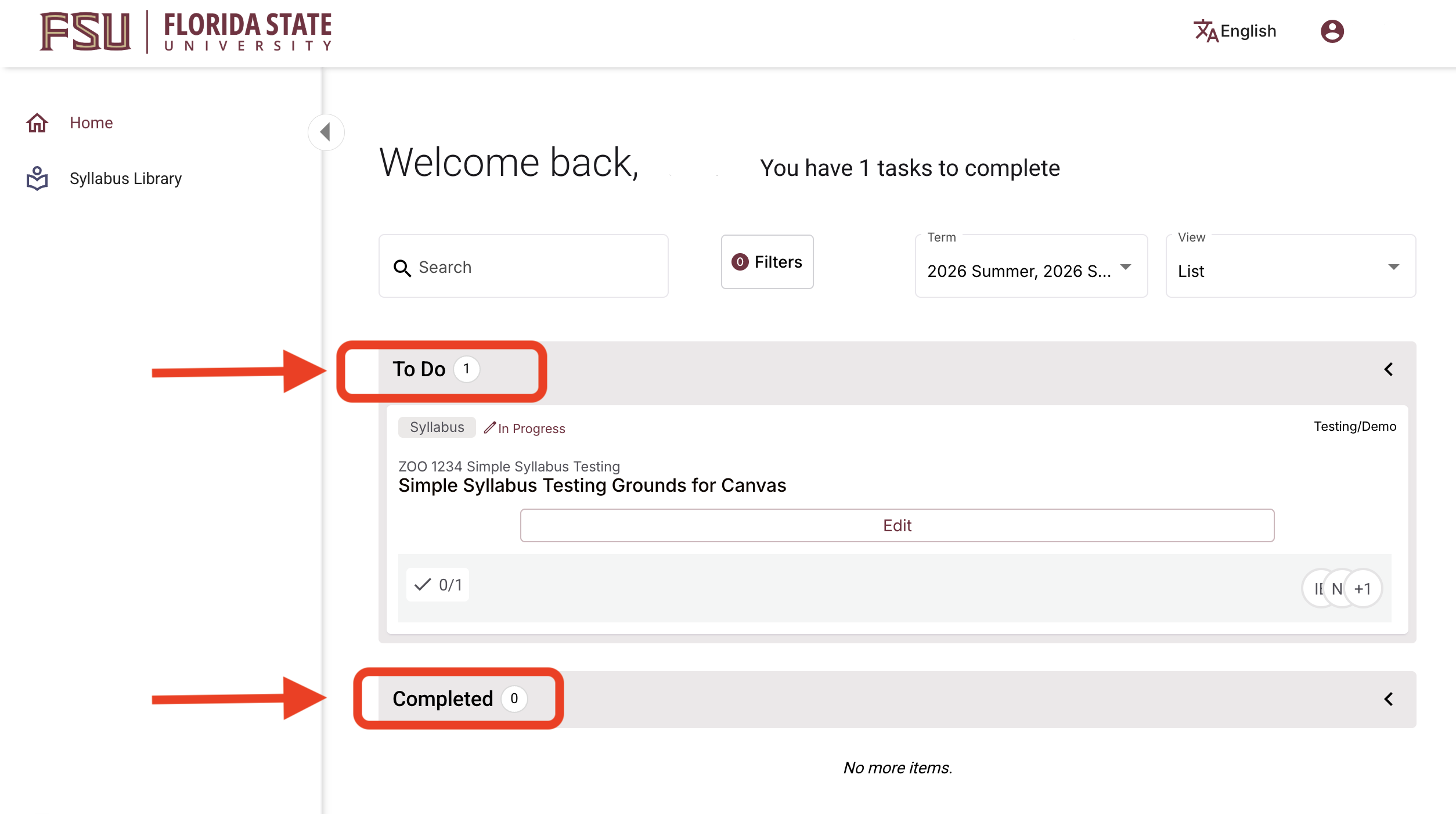
2. This will bring you to your Dashboard view. You'll see your To Do list of unsubmitted syllabi and your Completed list of submitted syllabi. Simple Syllabus will automatically populate with your course data from Canvas, so your courses will appear upon login. In the To Do section, select Edit to begin or to continue editing your courses' syllabi.
Syllabus Content Components
3. Instructors will have several options when editing their syllabi. Some sections will auto-populate with FSU or state-mandated policy information, while others will be completely customizable to the specific course. Below is a breakdown of what is and isn't required when editing your syllabi.
Note: Required sections will be outlined in a red box, with an identifier in the bottom-left corner that says "Required" in red text. These sections will also have the visibility toggle locked by default.
Some sections will have the option to toggle the visibility on or off.
On the right-hand side of each section are Helpful Hints provided to guide and assist the syllabi editing process. The screenshots will show an example of what will auto-populate, and you'll fill in the rest.
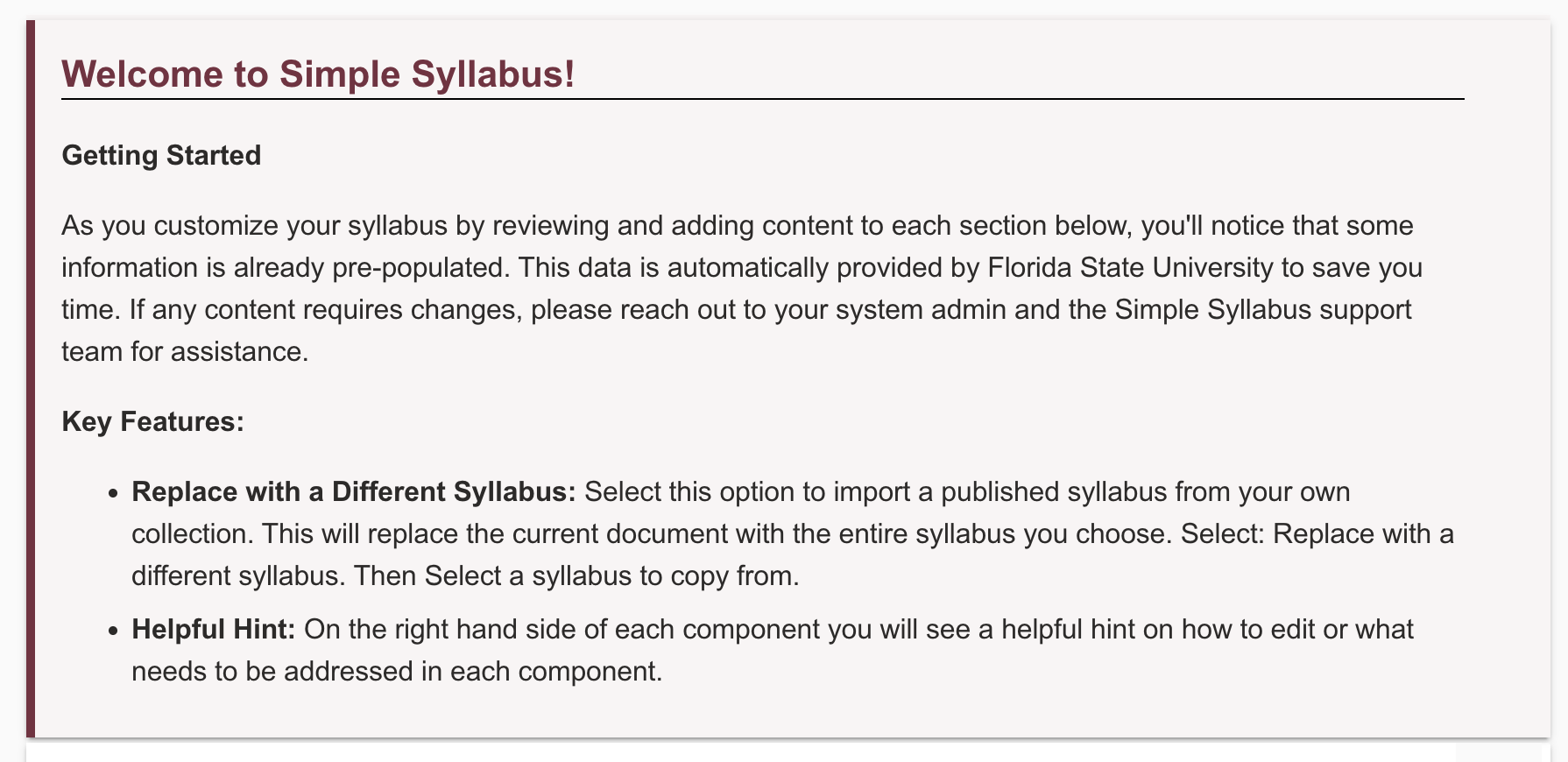
The first thing you'll see is a welcome message with useful information to get you started:
Next is a breakdown of all syllabus content components:
Course Information
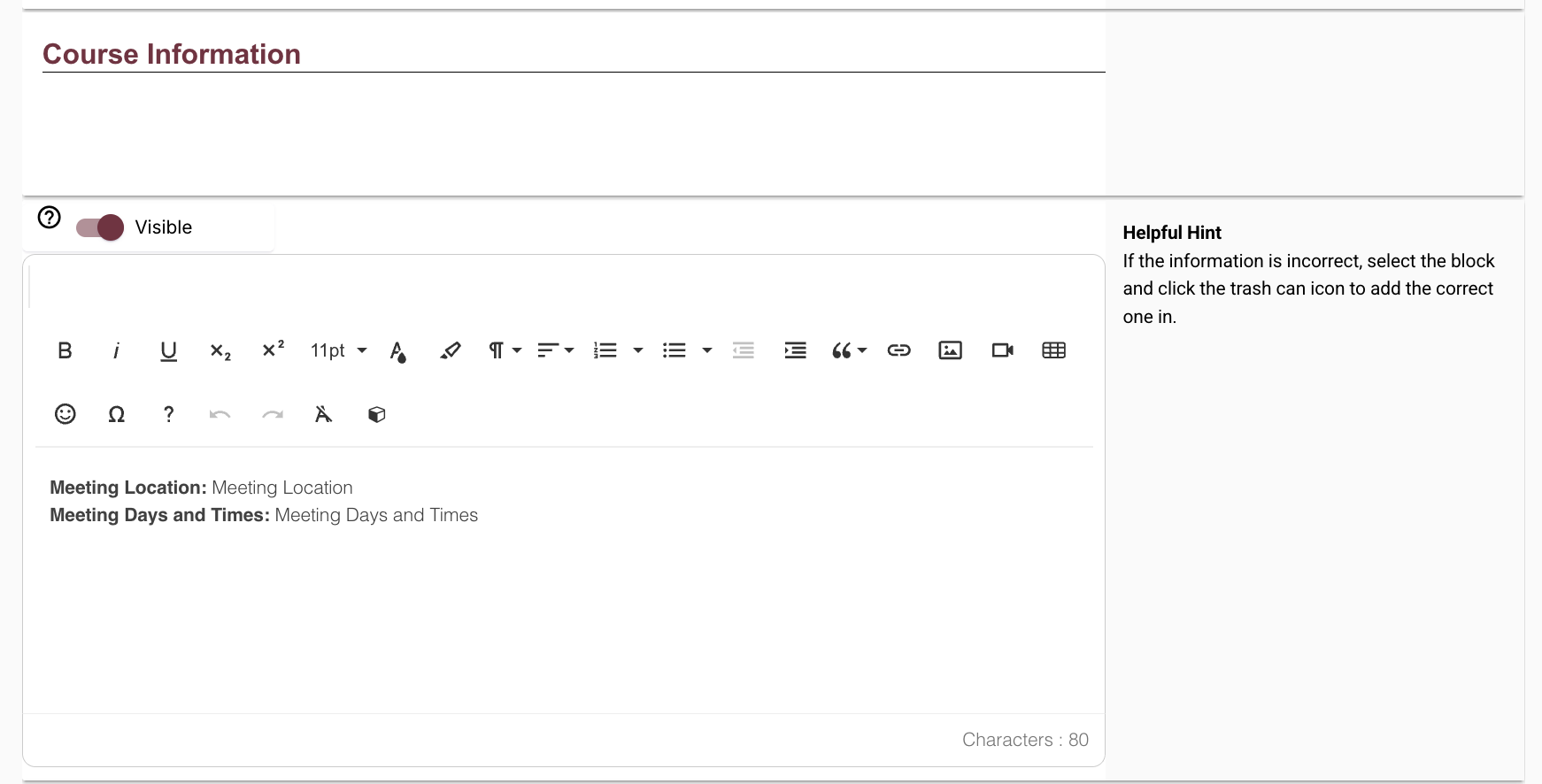
This is where you'll use the rich content editor (RCE) to edit pertinent course information, such as meeting time(s) and location. This information should auto-populate, but click anywhere in the text field to make edits if needed.
Instructor Information (Required)
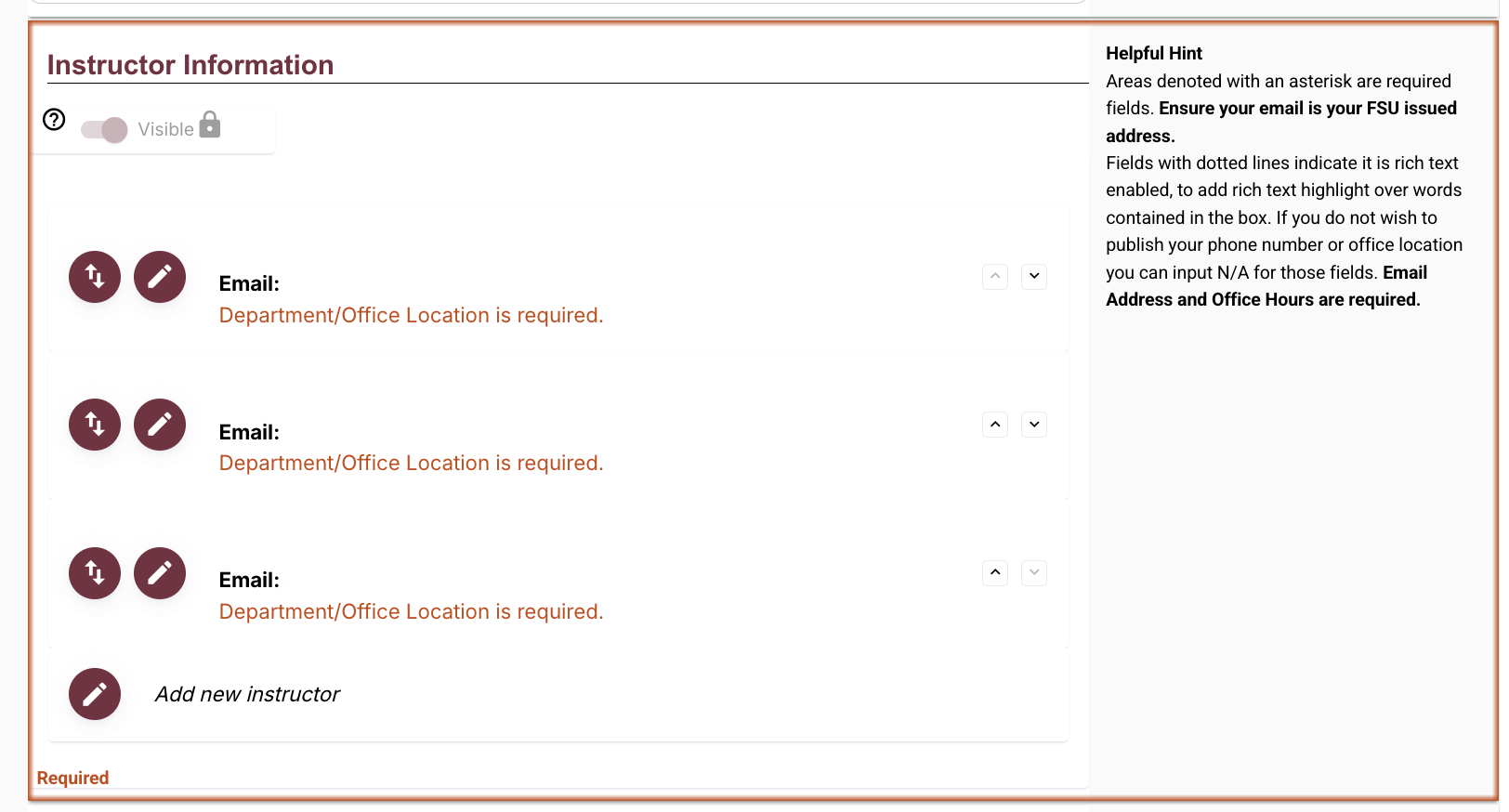
This is where your name and email will auto-populate. Ensure your email address is your FSU email address. Email and office hours are required; your phone number and office location can be optional, indicated by inputting “N/A” in those fields. Use the editing and reordering widgets to edit the content and layout of this section, or to add a new instructor.
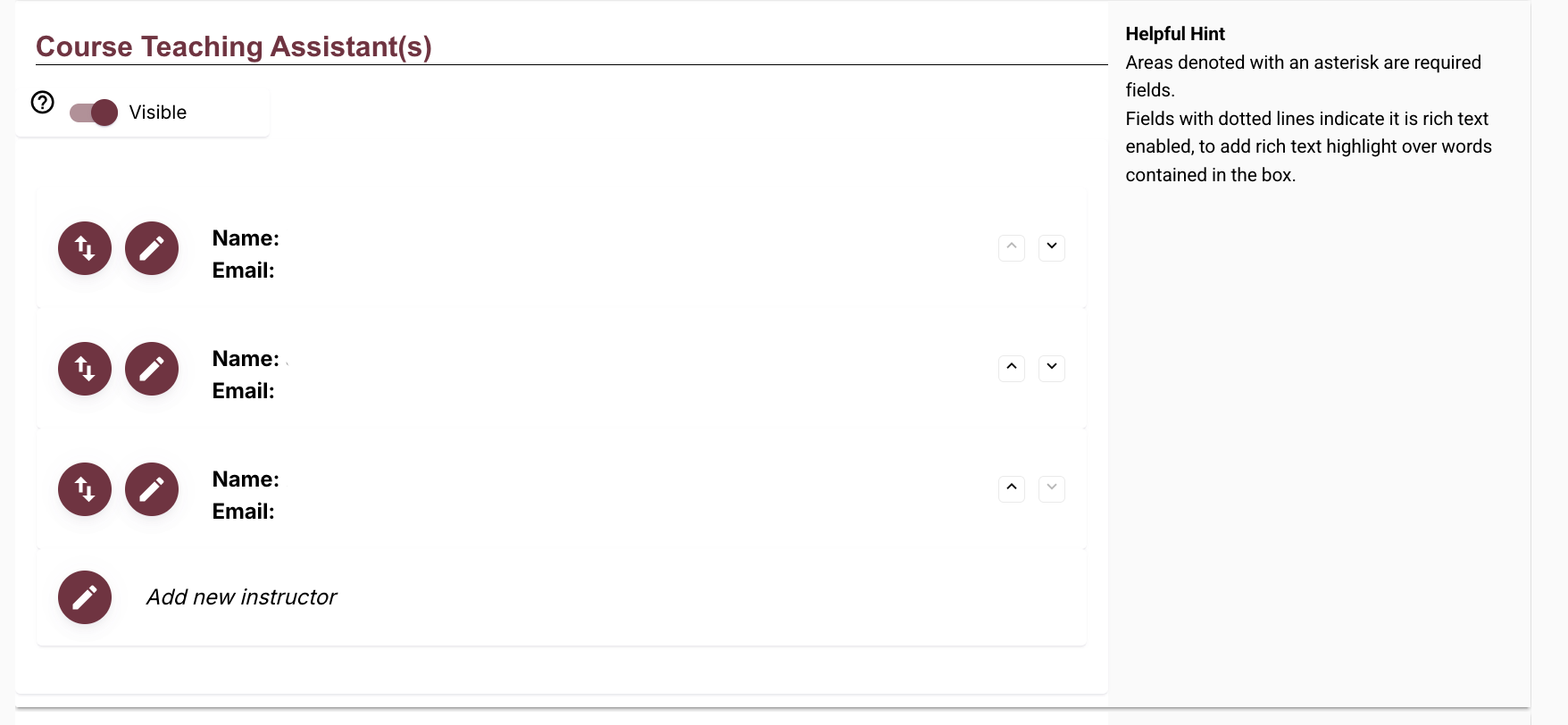
Course Teaching Assistant(s)
This field allows you to input information regarding TAs, GAs, or other assistant contacts.
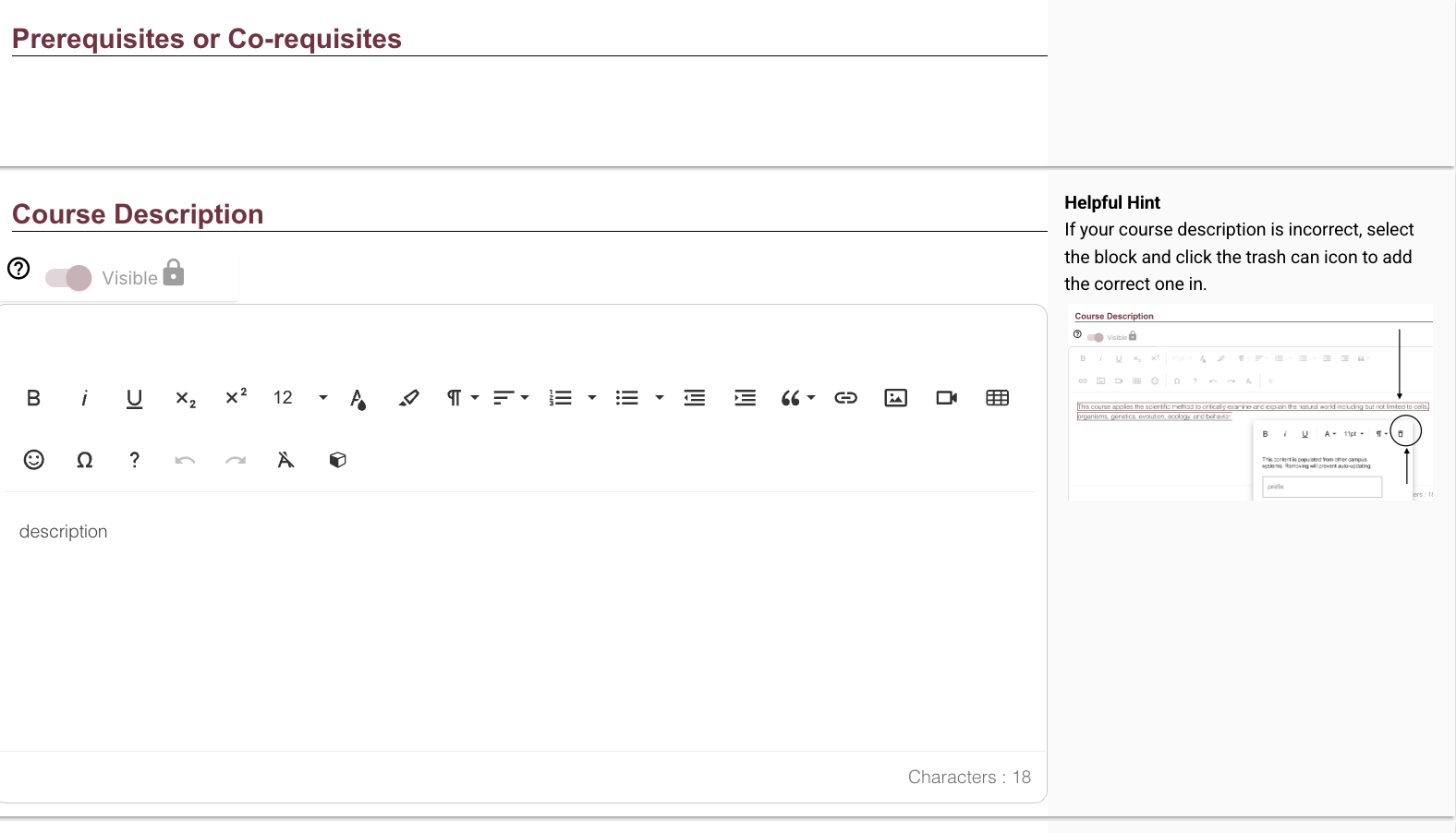
Course Description
This is where your course description will be displayed. To edit, select anywhere in the text field.
Course Objectives
This is where your course objectives will be displayed. Due to inconsistencies with Course Objectives, instructors are now advised to copy/paste or manually enter the Course Objectives into the appropriate field in Simple Syllabus. If instructors have previously edited Course Objectives in Simple Syllabus and saved their progress, those Course Objectives remain. If instructors have previously submitted their syllabus, those Course Objectives remain as well. To edit, select anywhere in the text field.
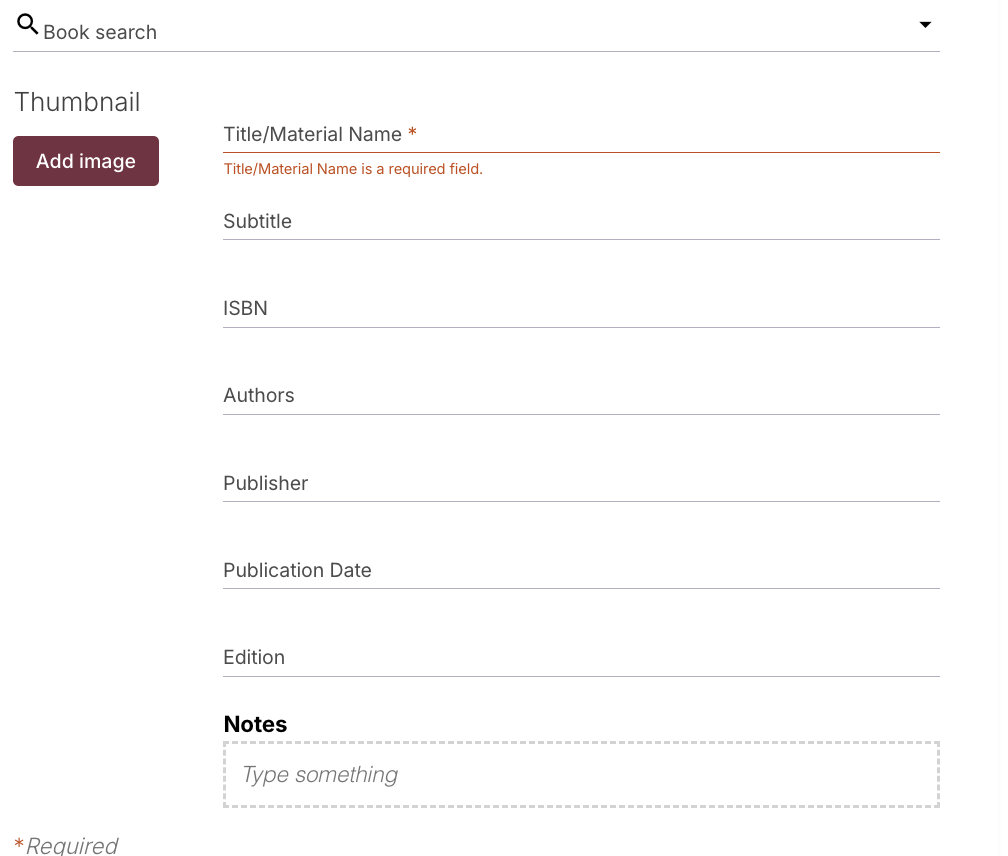
Required Textbooks and Readings (Required)
This is where your required readings and reading materials will be posted. Select the edit icon to fill in the fields with the available information, including title, subtitle, ISBN, authors, publisher, publication date, edition, and a thumbnail image, or use the book search function at the top of the menu.
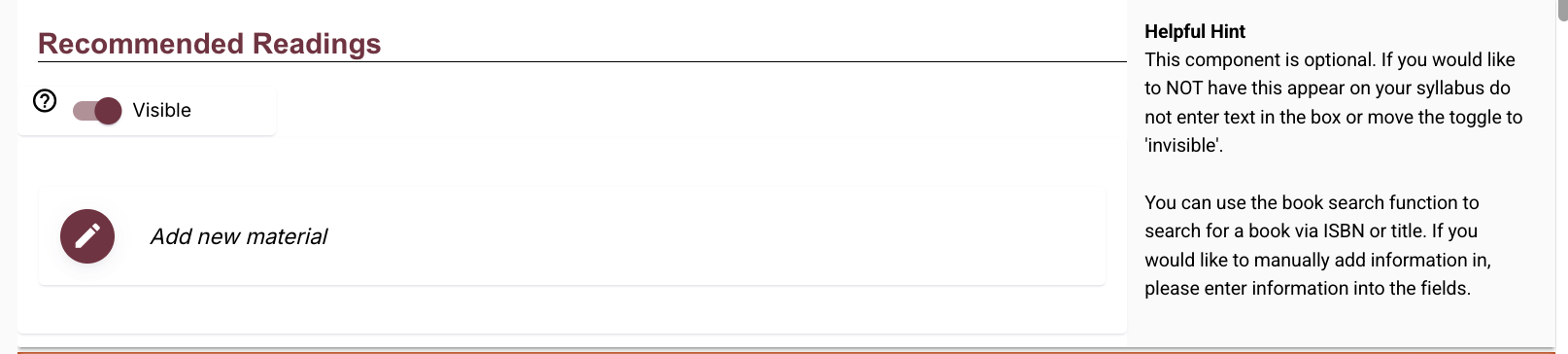
Recommended Readings
This section lists recommended readings. This section is optional and can be toggled visible or invisible.
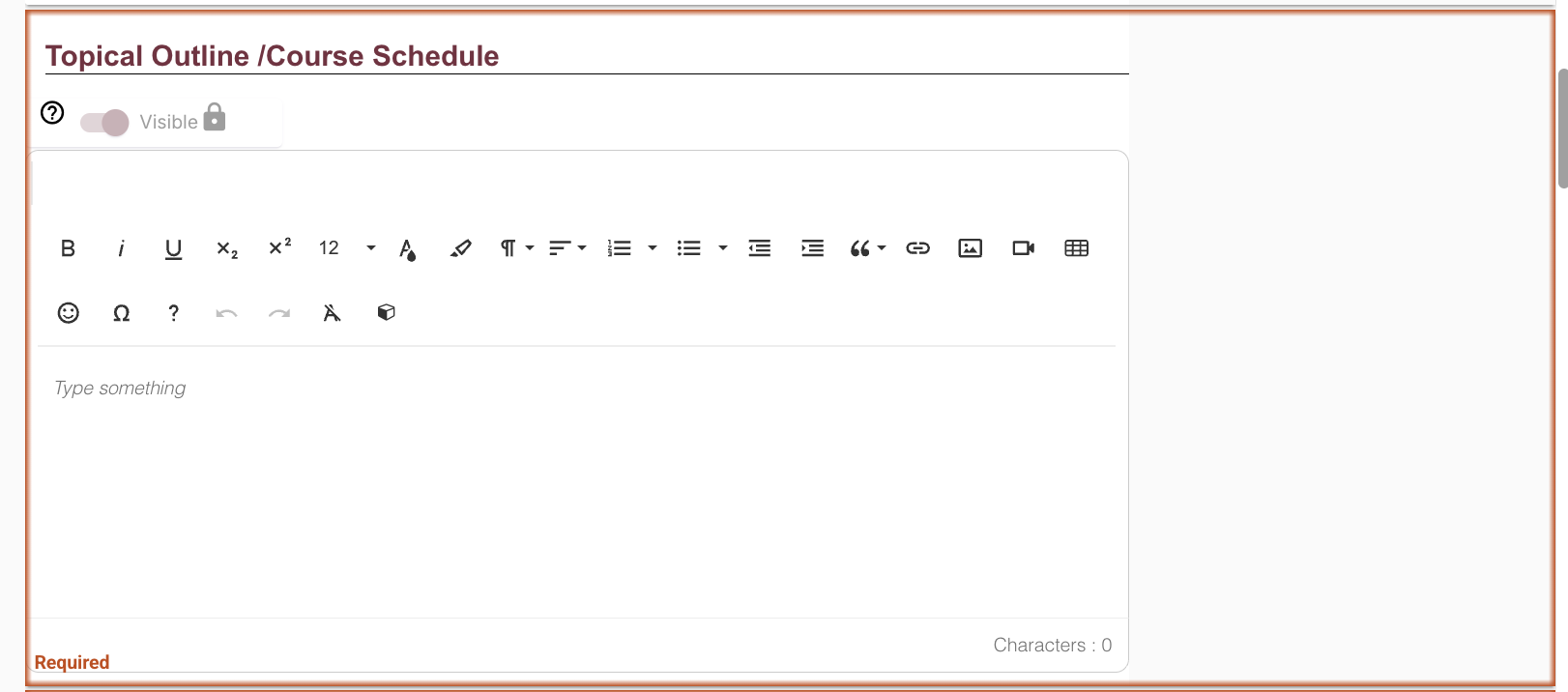
Topical Outline/Course Schedule (Required)
This is where the course outline or course schedule will be listed. This component is required. To edit this section, select anywhere in the text field.
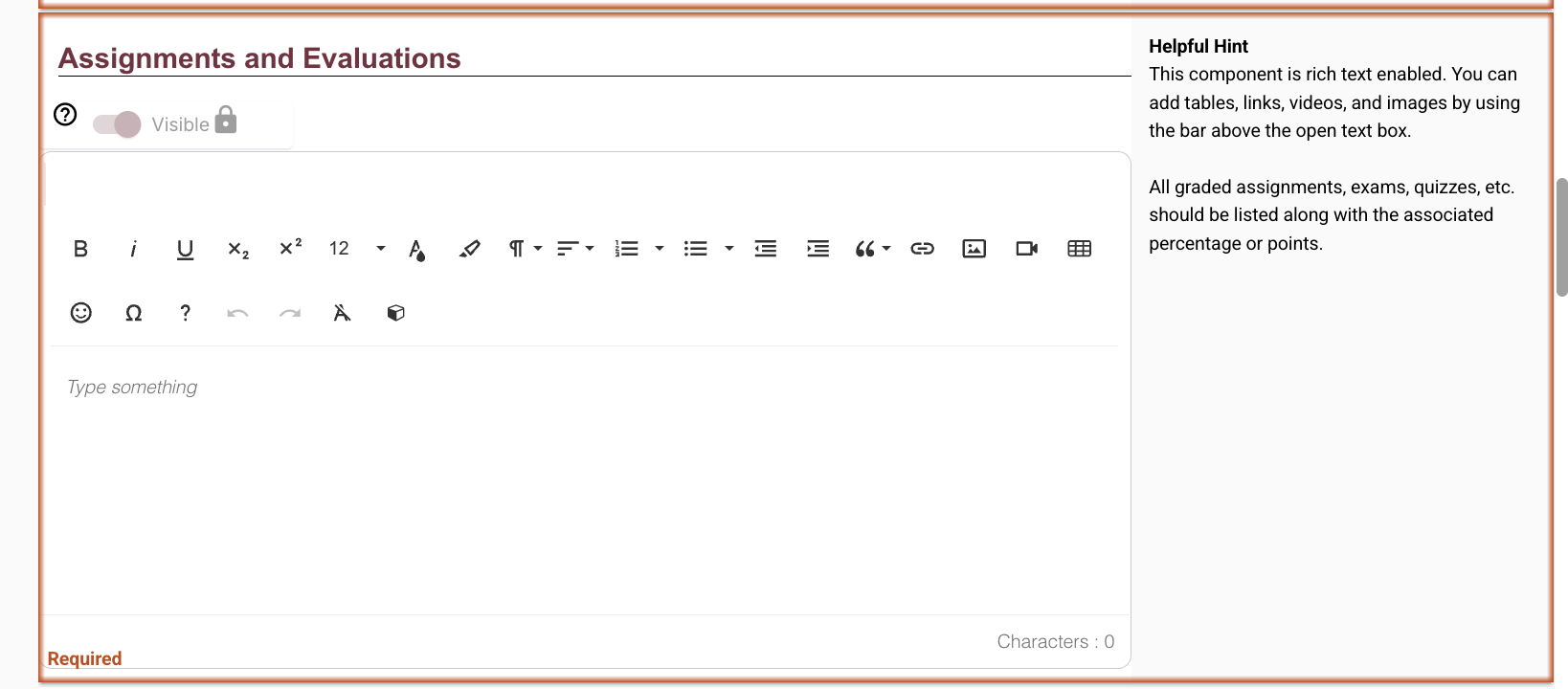
Assignments and Evaluations (Required)
This section lists information regarding assignments and evaluations. All graded assignments, exams, quizzes, etc., should be listed along with the associated percentage or points.
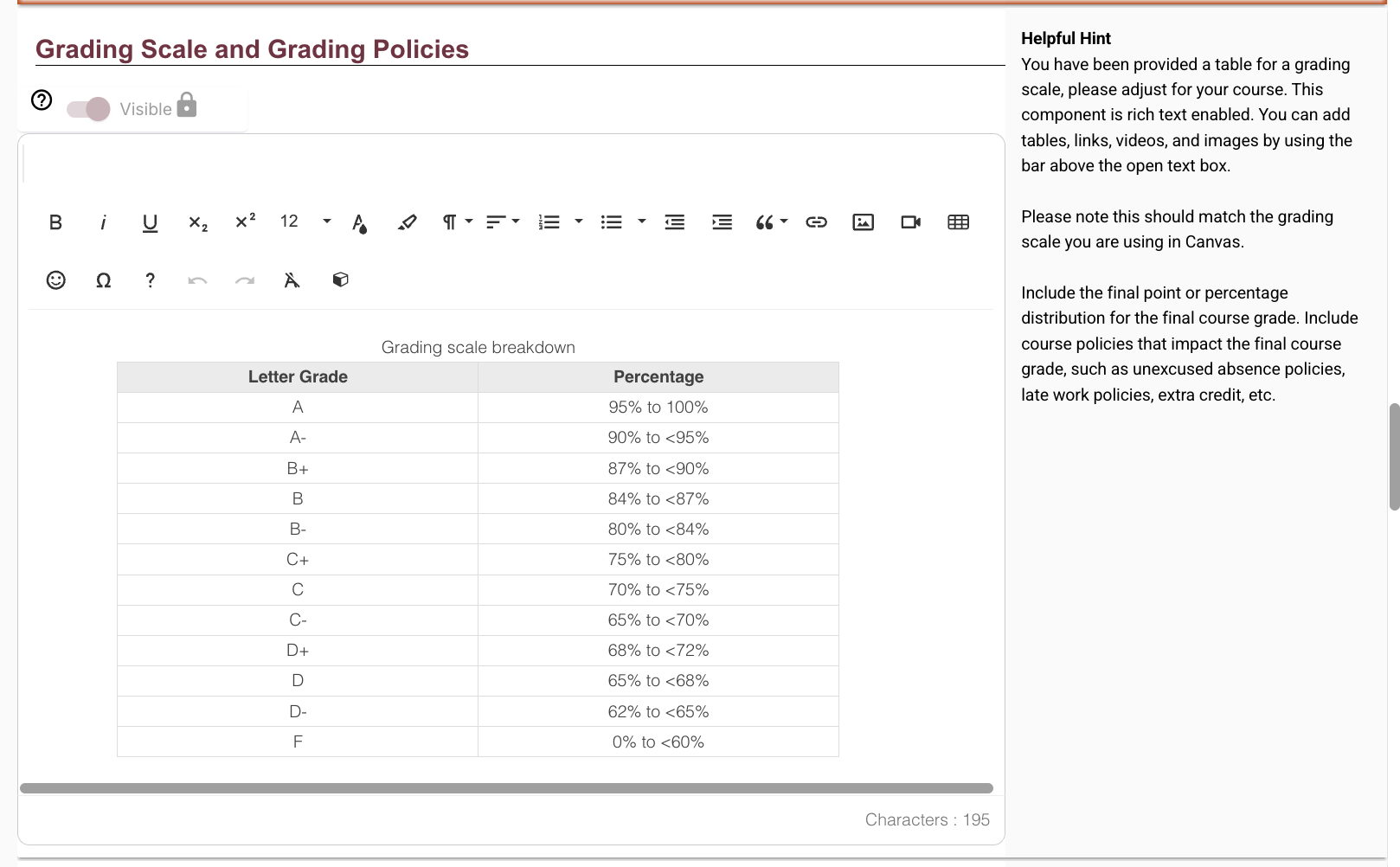
Grading Scale and Grading Policies
You may use the provided table to match the grading scale used in your course. Please note this should match the grading scale you are using in Canvas.
University Policies
This will auto-populate with mandated syllabi policies for Florida State University, including the University Attendance Policy, the Academic Honor Policy, the Americans with Disabilities Act, Academic Success, as well as a list of confidential campus resources, including the Victim Advocate Program, Counseling and Psychological Services, and University Health Services. This section cannot be edited or removed.
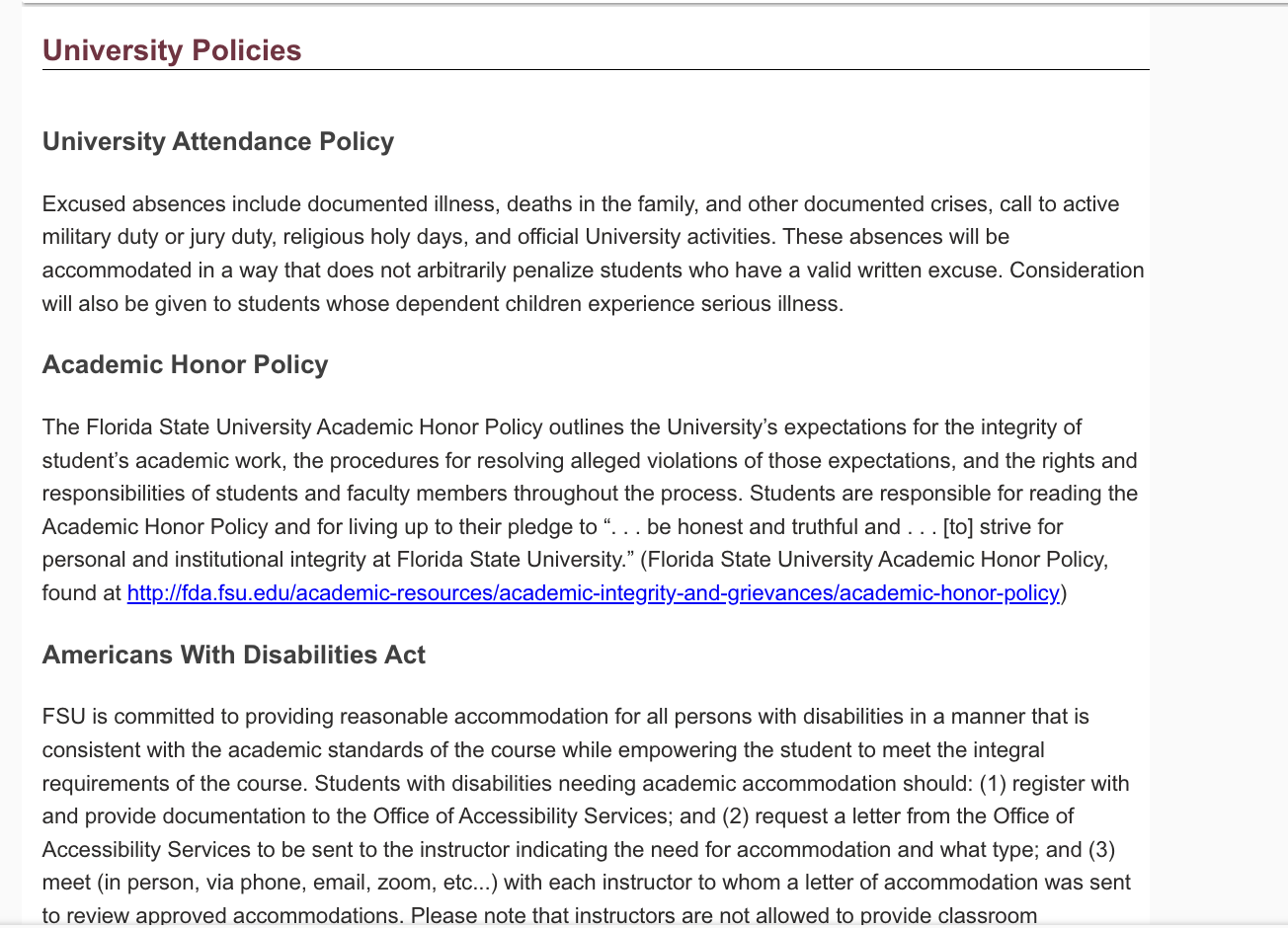
Syllabus Change Policy
This highlights to students that syllabi are subject to change with advance notice.

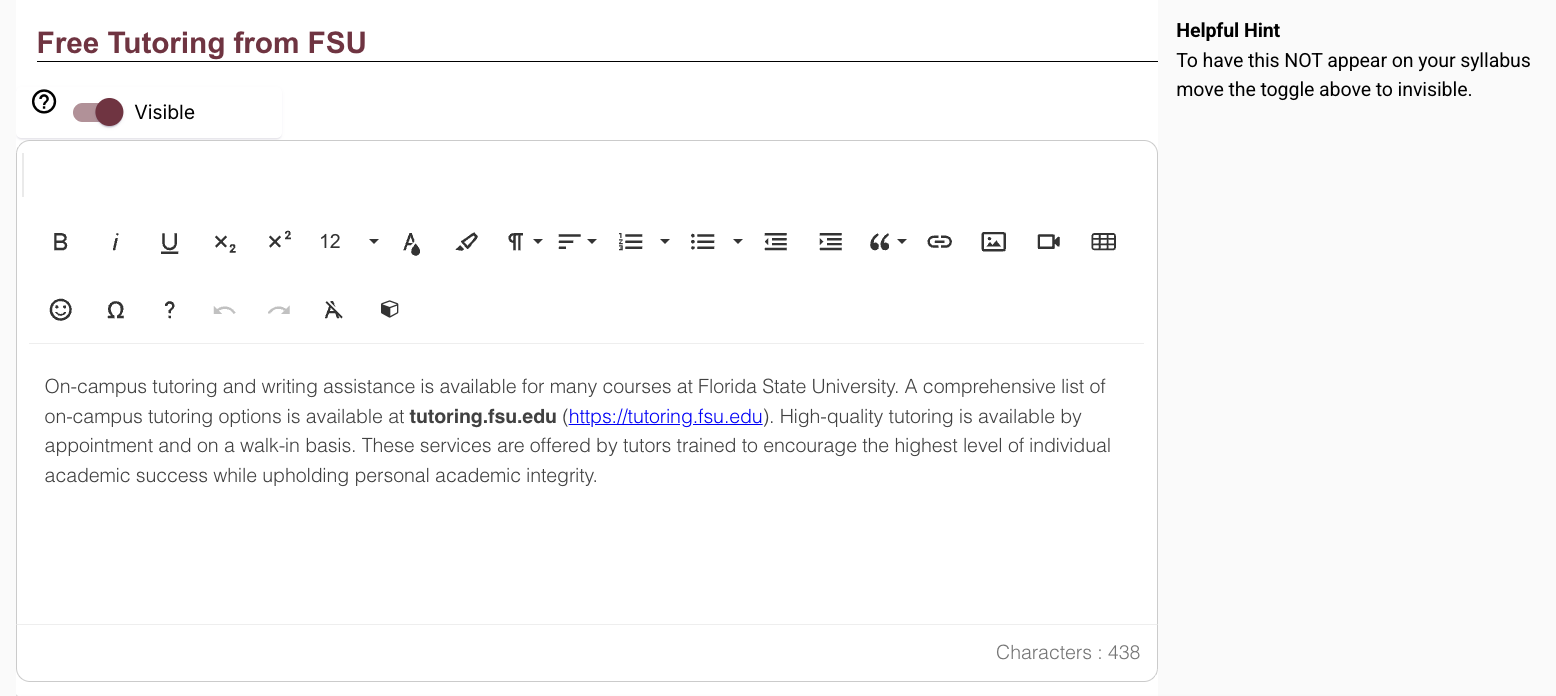
Free Tutoring from FSU
This will auto-populate with free on-campus tutoring resources for students. Instructors can remove this by flipping the toggle to 'invisible'.
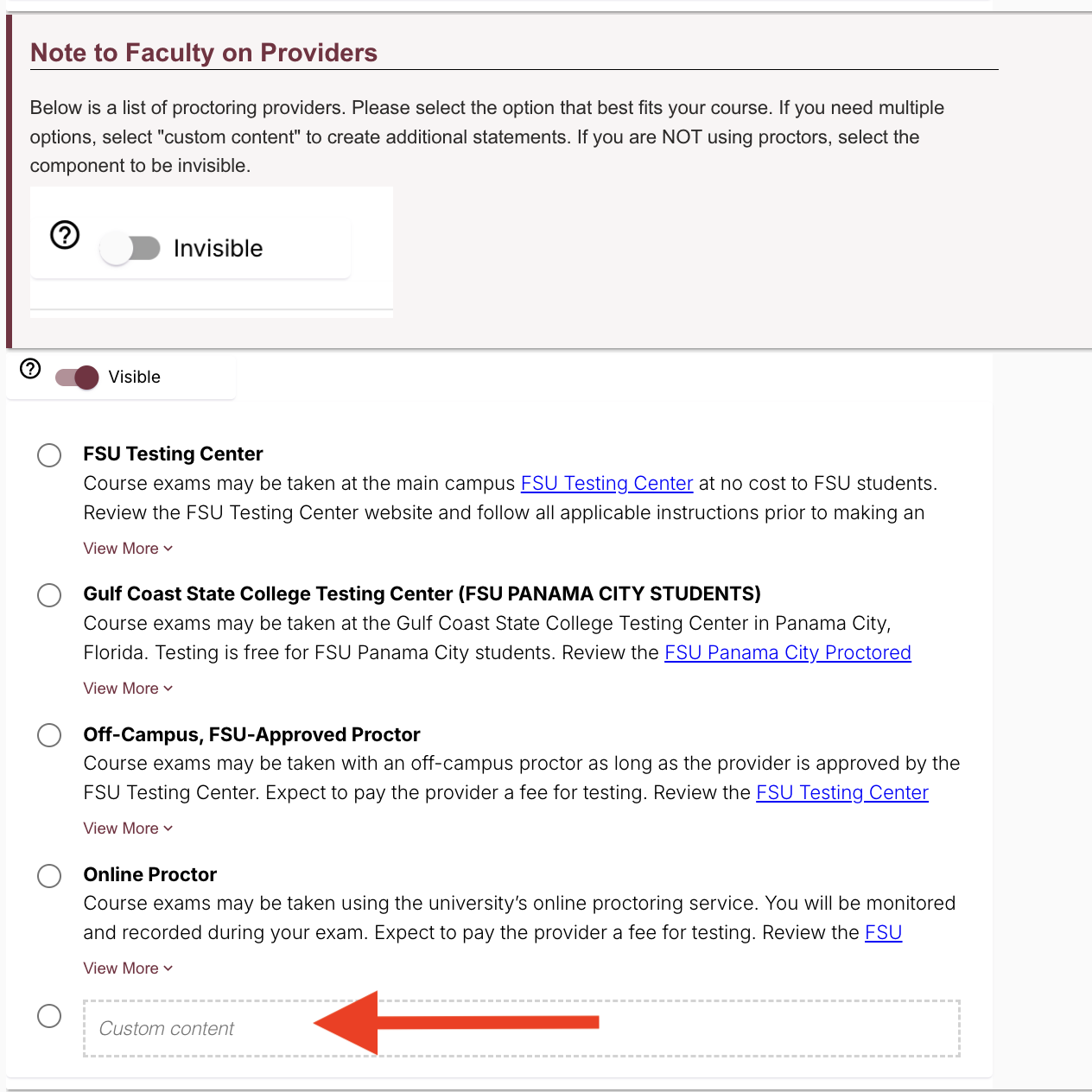
Proctored Examinations
If your course includes proctored exams, keep this marked visible. If not, please toggle this component to invisible. If your course includes proctored examinations, select the option from the provided list that best fits your course. If you need multiple options, use Custom Content to create additional statements.
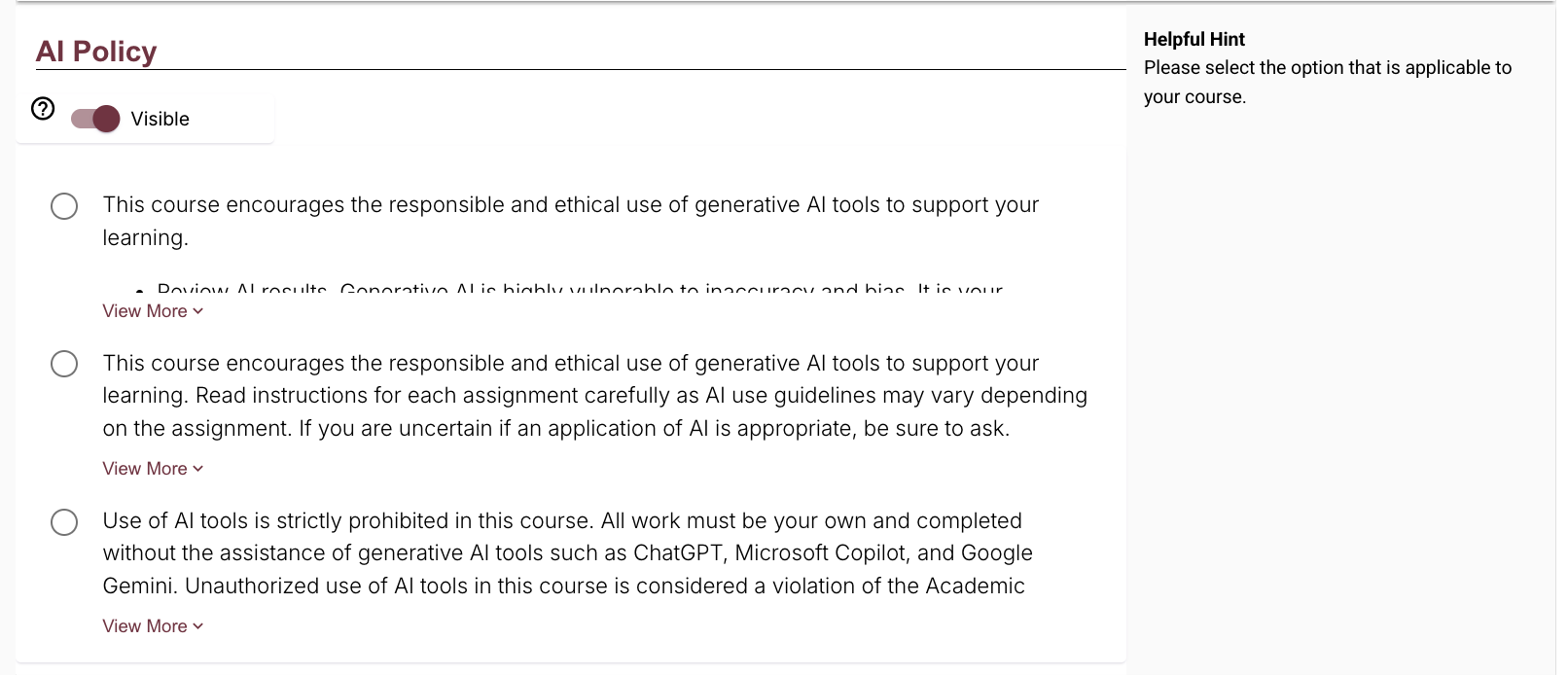
AI Policy
Please select the option that best applies to your course. Instructors can also toggle this component to be invisible.
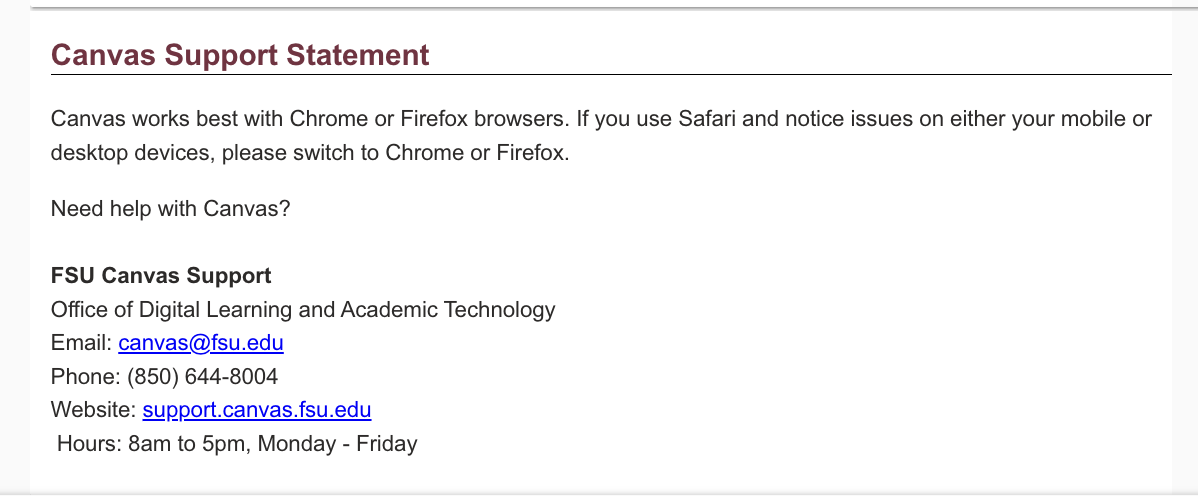
Canvas Support Statement
This section points students to FSU Canvas Support and cannot be edited or removed.
Submission and Attestation
Once the above components are complete, instructors will then check off the attestation agreement. This statement confirms that the syllabus is accurate and complete, and that you, as the instructor, have verified that you have reviewed all instructional materials for appropriateness before presenting or assigning them to students.

Finally, instructors may submit, preview, or close the window. The syllabus cannot be submitted until all required components and the attestation agreement are completed.












